How to Circle Crop a Face Video in CapCut (Step-by-Step)
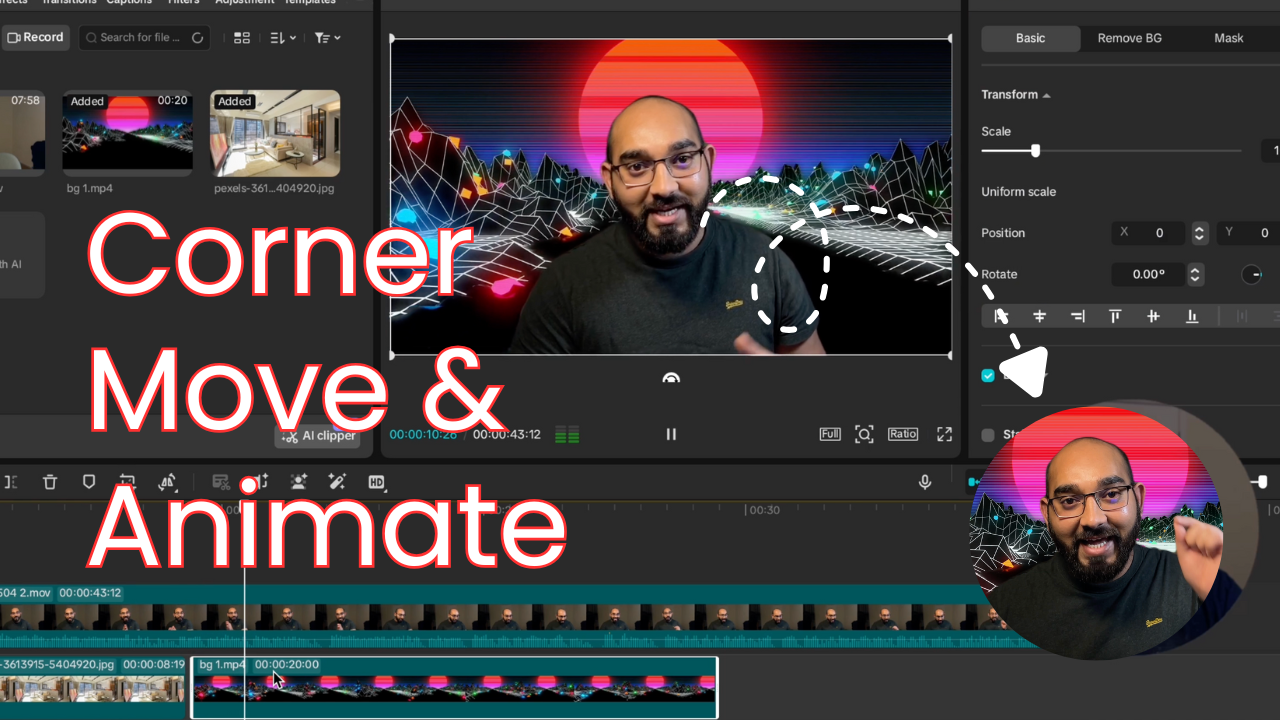
Circle cropping a face video is a simple but effective way to improve tutorial and screen-recording videos. In this guide, I show how to create a circular face cam overlay in CapCut and animate it for better presentation.
CapCut provides all the necessary tools to achieve this effect without external plugins, making it ideal for beginners and content creators.
Steps covered in the video:
- Import your main video and face cam clip into CapCut
- Apply a circular mask to the face video
- Resize and position the face cam in the corner
- Display the face cam in a larger circular portion when needed
- Animate the circular face cam to move smoothly across the screen
These techniques are commonly used in:
- YouTube tutorial videos
- Online courses
- Screen recordings
- Educational and explainer videos
Watch the full CapCut tutorial
Circle Crop Video in CapCut (Face Cam in Corner & Animate)
Need help with video editing or YouTube growth?
If you are looking for support with CapCut editing or growing your YouTube channel, feel free to contact me: rafy@rafys.net
And don’t forget to checkout other tutorials on CapCut video editing.