Change Video Background with CapCut without Green Screen
There was a time when I used to think background replacement in videos was only possible with professional studios, green screens, and complicated software.
But then CapCut changed everything.
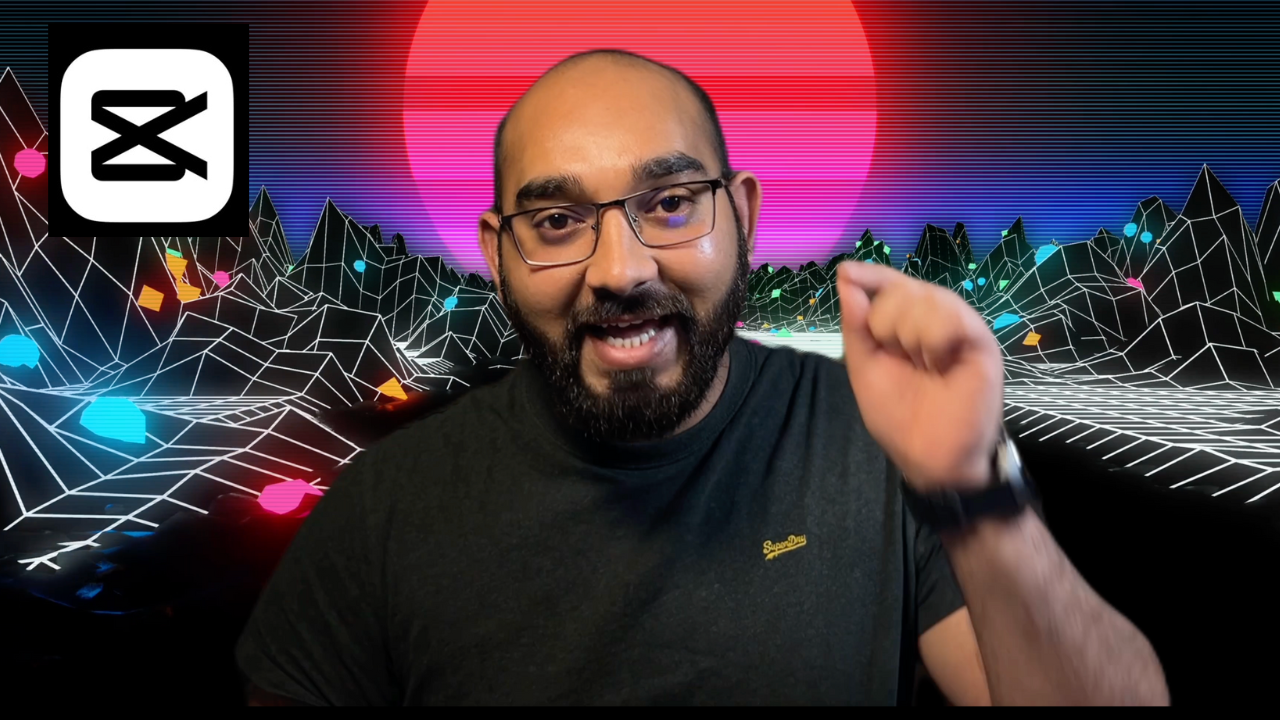
Today, I want to take you behind the scenes of my latest tutorial and show you how anyone — even a complete beginner — can change a video background using CapCut on mobile or desktop.
Where It All Started
I was filming in a small room with an ordinary wall behind me.
Nothing fancy. Nothing aesthetic.
And I kept thinking:
“If I had a better studio setup, the video would look so much nicer…”
But that’s exactly the moment creativity kicks in.
Instead of waiting for the perfect environment, I opened CapCut and decided to turn that normal background into something better.
How CapCut Helps You Replace a Background Easily
CapCut gives you two ways:
1️⃣ Free Version Tools
- Manual Brush & Eraser
- Green screen keying
- Custom image/video background
I was honestly surprised how well the free version performed — especially when lighting isn’t ideal.
2️⃣ CapCut Pro / Paid Tools
- Auto Cutout
- More accurate edge detection
- Cleaner hair + object separation
- Faster processing
- Professional-grade outcome
If you’re editing regularly, the upgrade saves time — but you can do everything with the free version too.
Why This Skill Matters
Whether you create YouTube videos, TikTok content, online courses, or client projects — background control gives you:
- A cleaner and more professional look
- Unlimited creative environments
- Better storytelling opportunities
- Higher-quality videos without a studio
This is why I decided to turn this into a complete tutorial.
Watch the Full Tutorial
Change Video Background with CapCut — Free & Paid Version
👉 https://youtu.be/4j4CbOltlsU
Need Help?
If you need assistance with video editing or YouTube channel growth, you can always reach me at:
📧 rafy@rafys.net
Keep editing, keep creating!
And, don’t forget to checkout How to Create Moving Animation in a Video with CapCut Free Editor